
Today's menu
Espresso€3.50
Flat White€4.80
Croissant€3.80
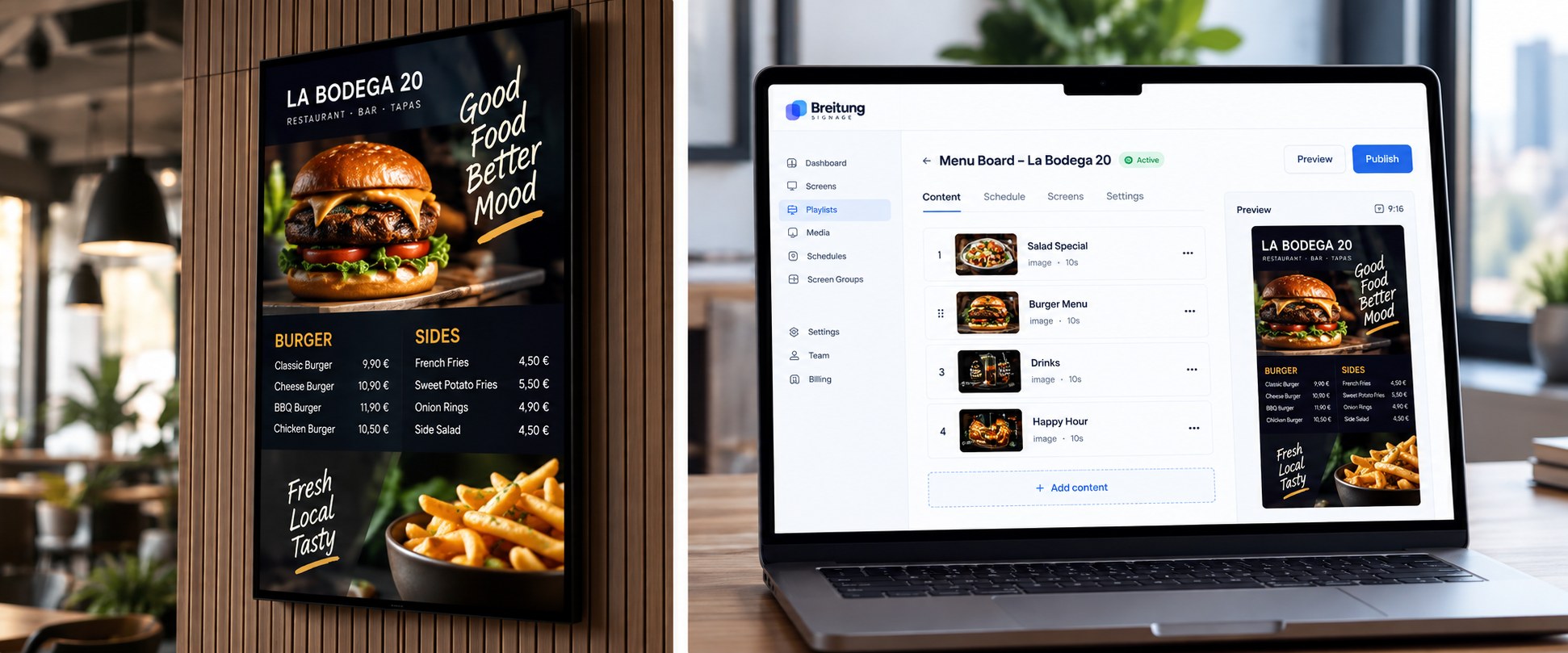
Digital menu boards
Show dishes, prices and daily specials, and update them in seconds.
Display what matters
Upload images and videos, build playlists and manage what plays on each of your screens — from any browser, in one place.
Your first screen is free.No credit card required.
Use a browser or compatible Google TV / Android TV device.
Manage your screens and content from anywhere.
Schedules keep your content running automatically.
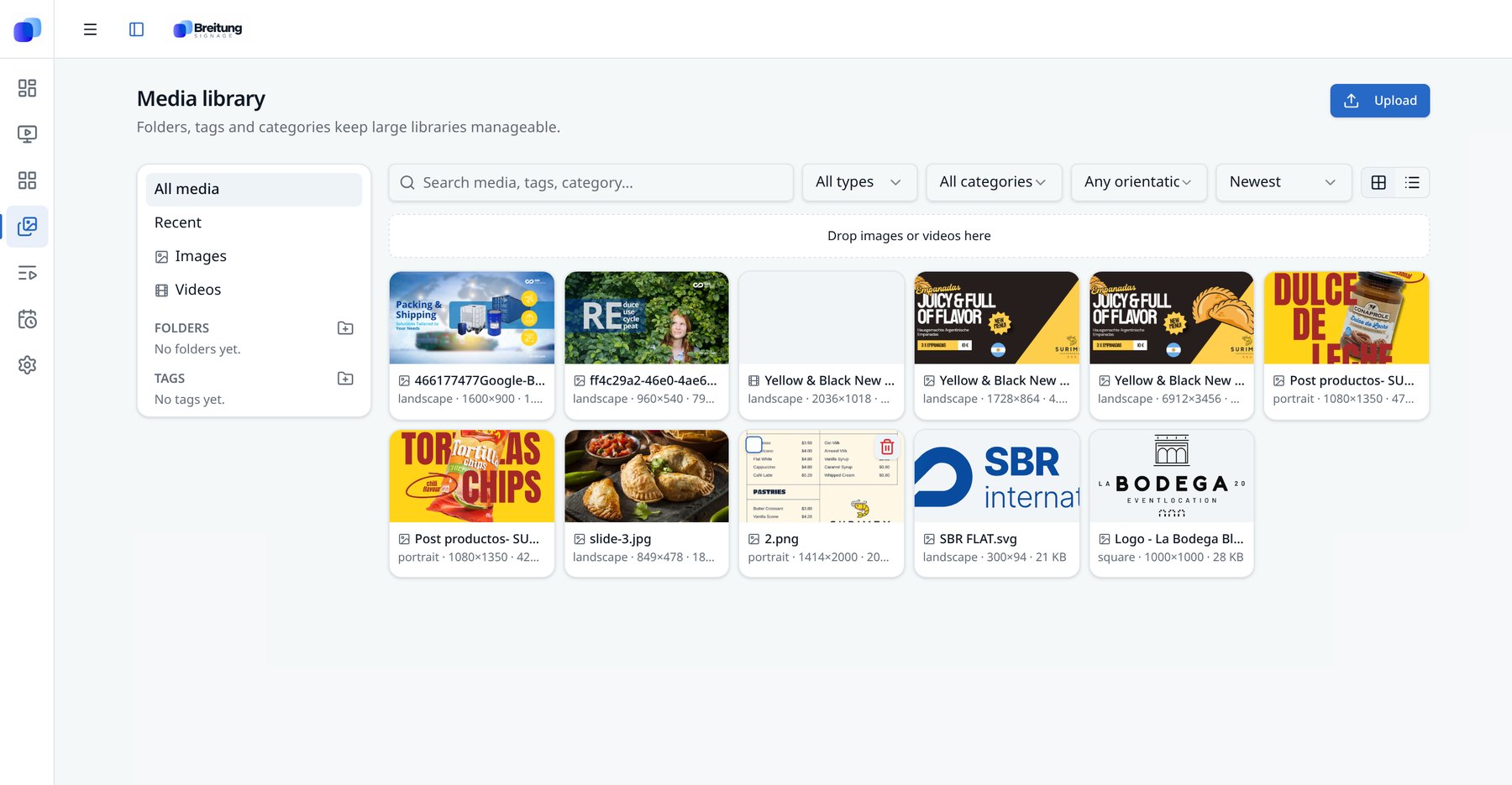
Content
Upload images and videos and keep everything organized in one central media library.
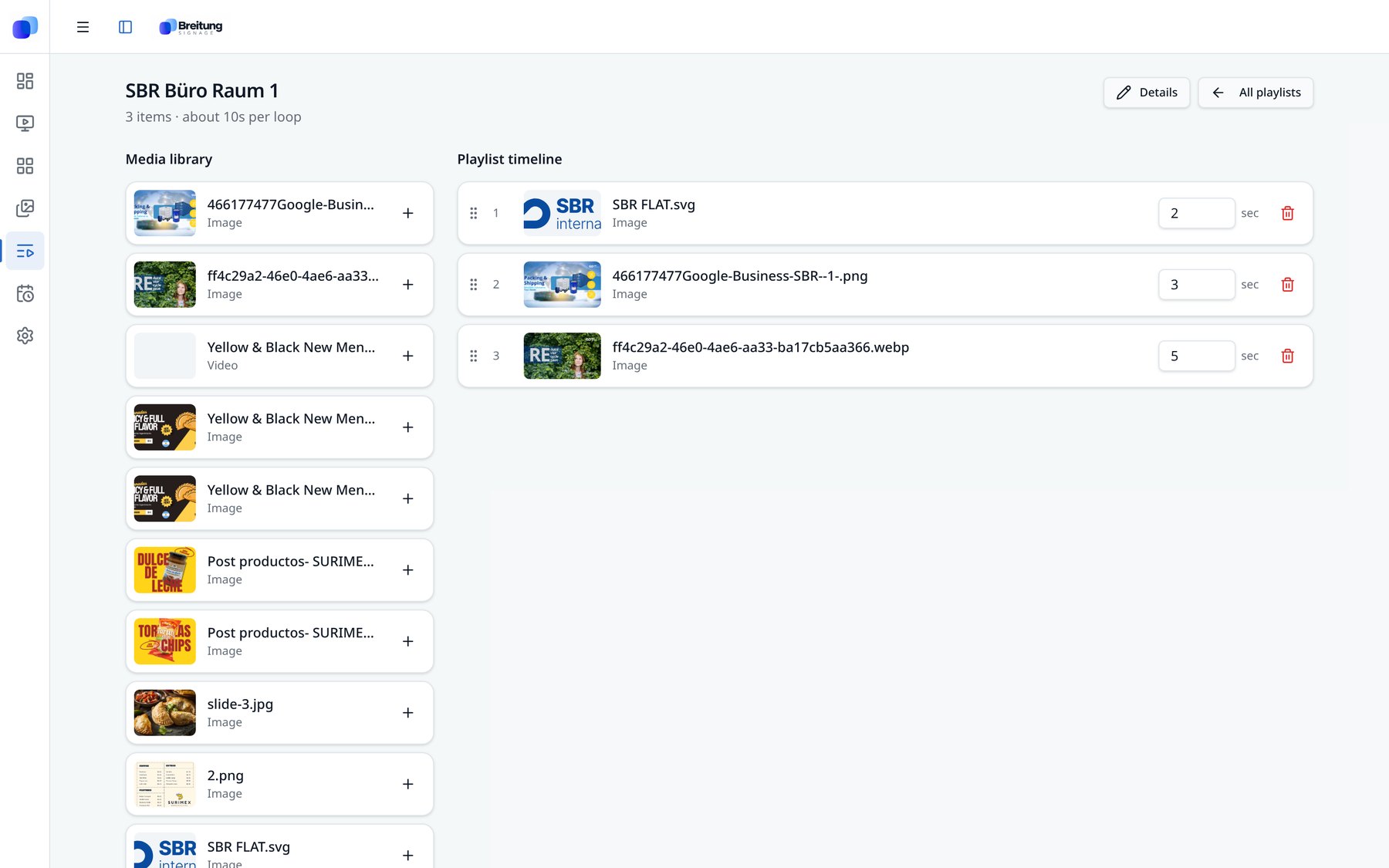
Playlists
Arrange your content, control playback and preview everything before it goes live.
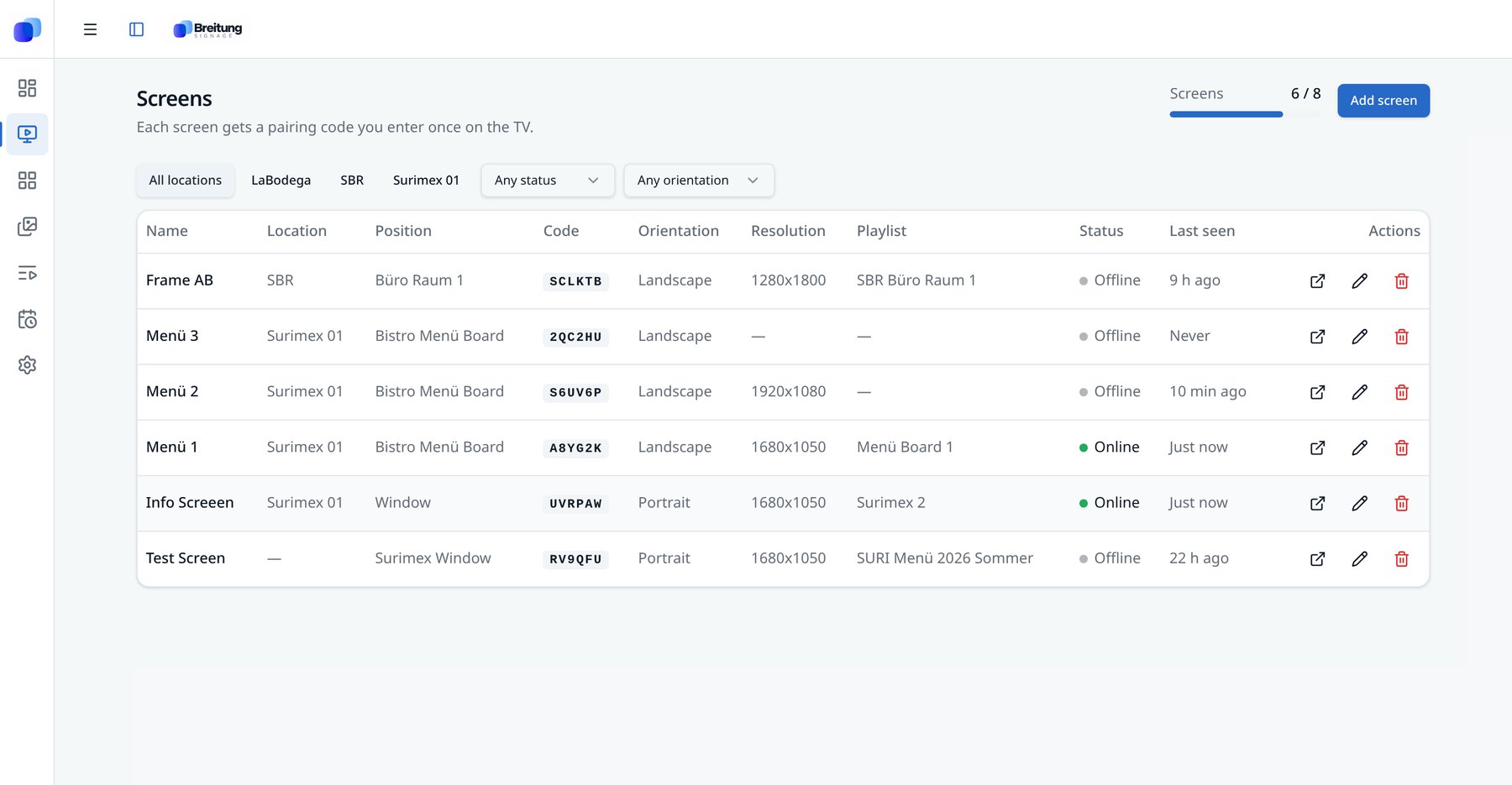
Screens
See what's online, organize screens by location and assign the right content instantly.
Use cases
Today's menu
Show dishes, prices and daily specials, and update them in seconds.
This week
-20% SALE
on the new collection
Promote offers and new arrivals to people passing by — scheduled by time of day.
Hall A · 14:00
Opening keynote
Display agendas, room signs and sponsor slides across several screens.
Answers
1 screen free · No credit card required